API Key
Getting Your API Key
To access the Bridge API, you need an API key from Bifrost. This key authenticates your requests and grants access to your organization's resources.
API keys are managed through the Bifrost admin console. Follow these steps to create a new API key:
- Navigate to Operations → API Keys in Bifrost.
- Click the button in the upper right corner to open the API key creation dialog.
- Enter a descriptive name for your API key (e.g., "Production App", "Development Environment").
- Click Create New Key to generate the key.
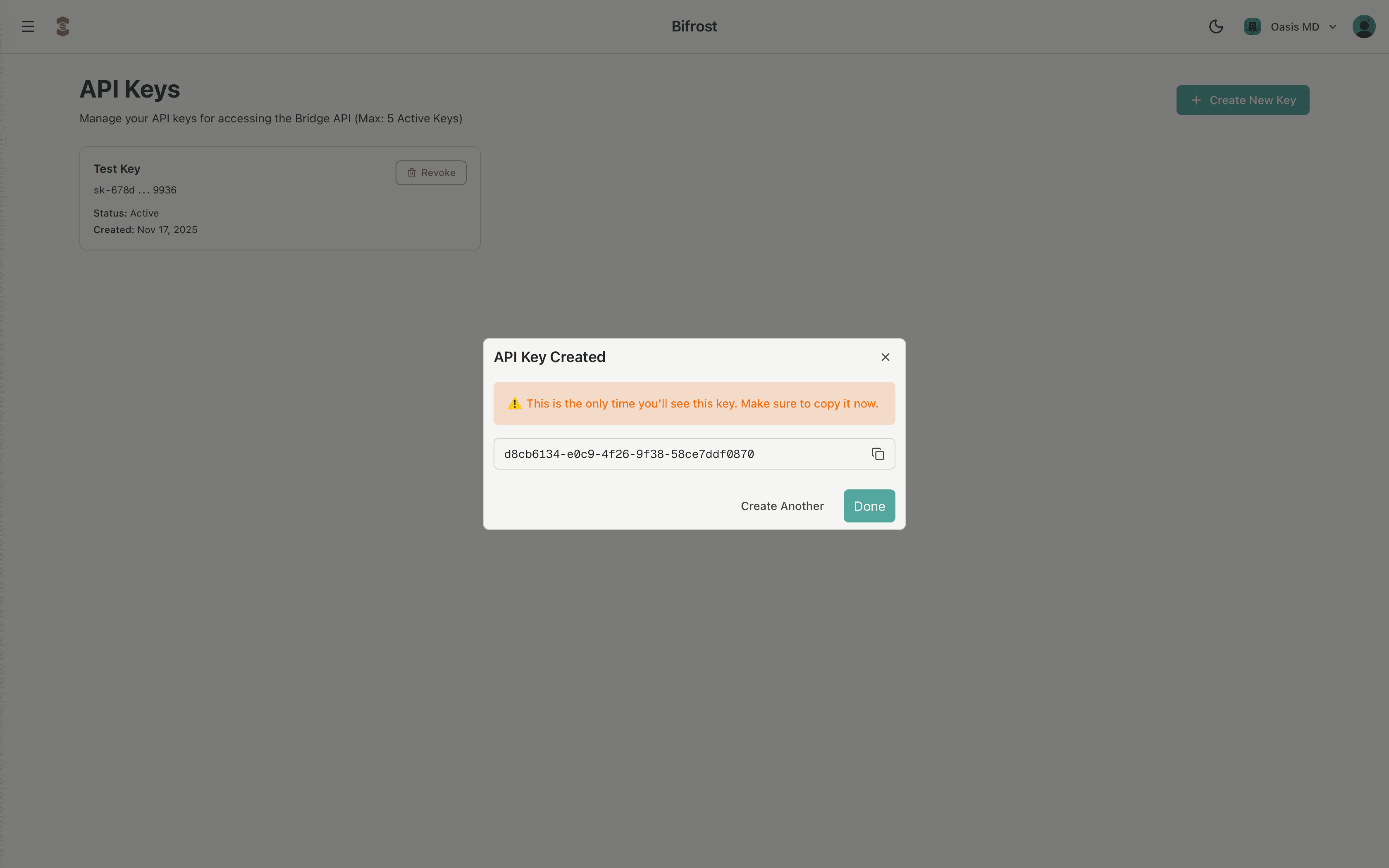
Important:
The API key will be displayed in the creation dialog immediately after generation. Copy and save this key securely - once you close the dialog, the full key value will never be viewable again. You'll only be able to see a hashed/encoded form of the key in the API Keys list.
Managing API Keys
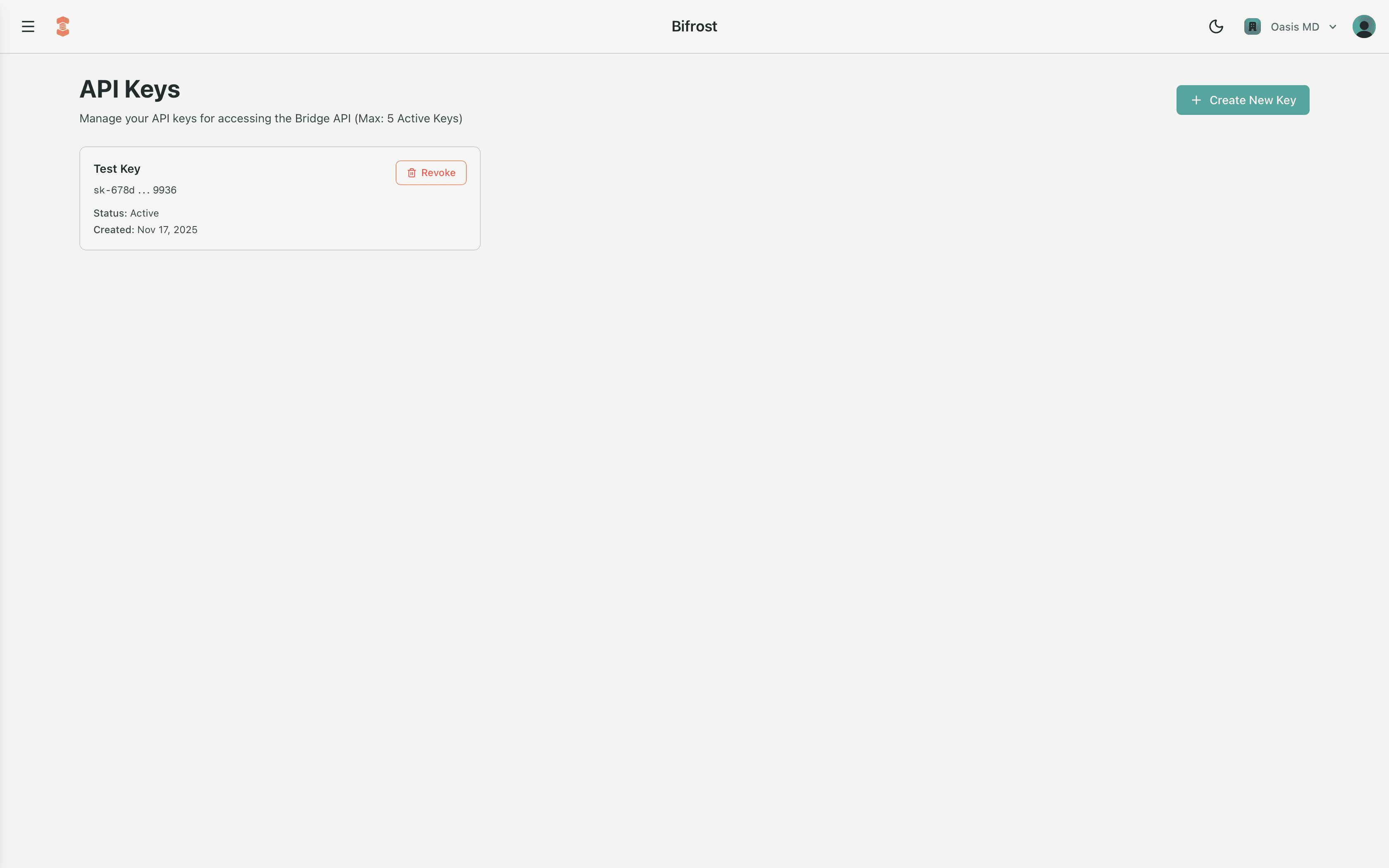
The API Keys interface displays all your organization's keys in a grid format. For each key, you can see:
- Name - The descriptive name you assigned when creating the key
- Hashed Key - An encoded/hashed representation of the key (the full key is never displayed again after creation)
- Revoke Button - Allows you to immediately invalidate a key if it's been compromised or is no longer needed
- Status - The status of the key (Active or Expired)
- Created At - The date and time the key was created
Use the revoke button to immediately disable access for any API key. Once revoked, the key cannot be restored - you'll need to create a new key if access is required again.
Using Your API Key
Once you have your API key, include it in the x-api-key header of all Bridge API requests:
x-api-key: YOUR_API_KEY_HERE
Keep your API keys secure and never commit them to version control. Rotate keys regularly and revoke any keys that are no longer in use.