Logs
Logs are the record of how contextual intelligence was assembled and used in your environment. They turn “the system did something” into a traceable story you can inspect, explain, and govern.
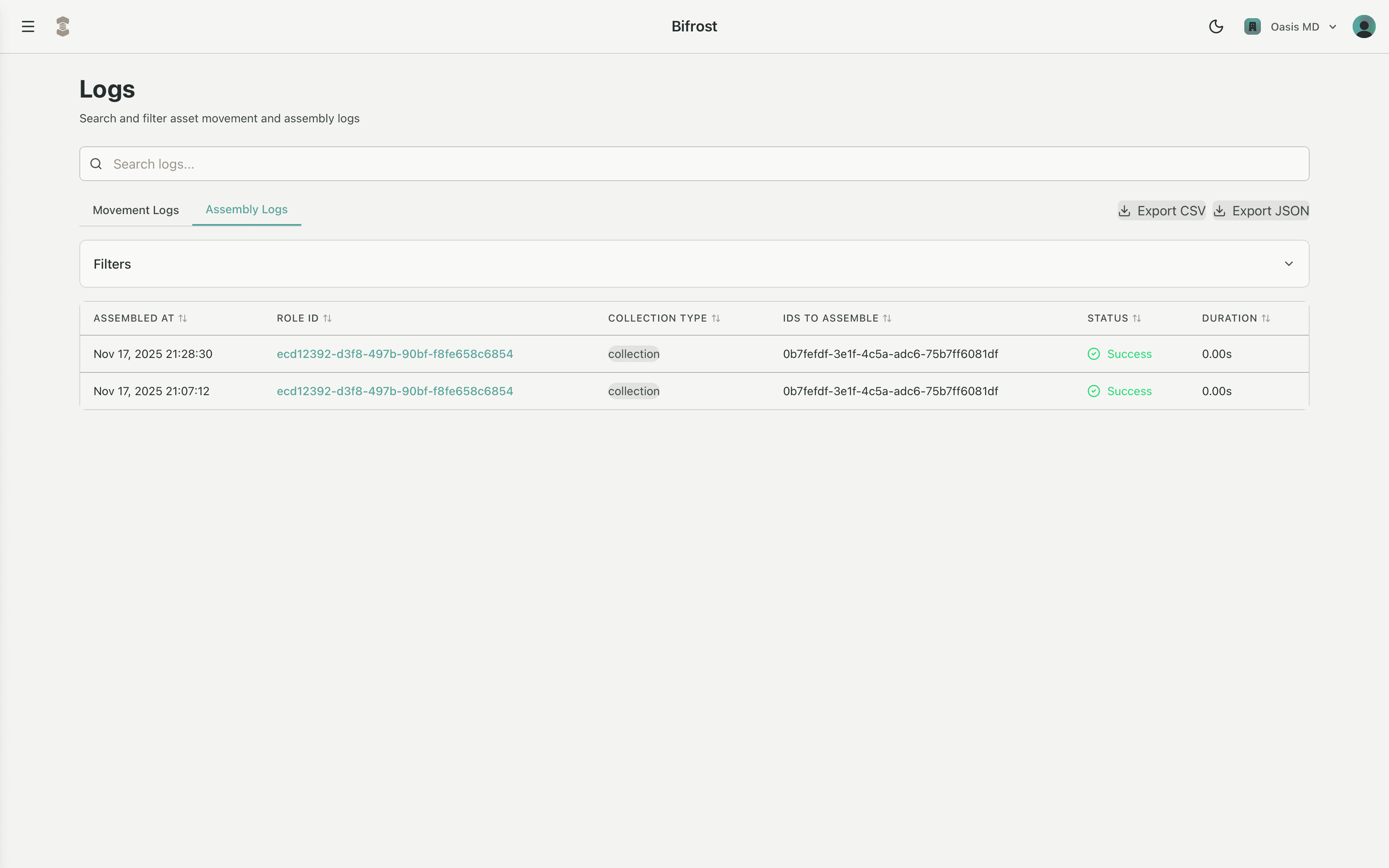
Where the assembly process builds the agent for a specific role × collection, logging captures every decision along the way so that behavior is auditable and reproducible.
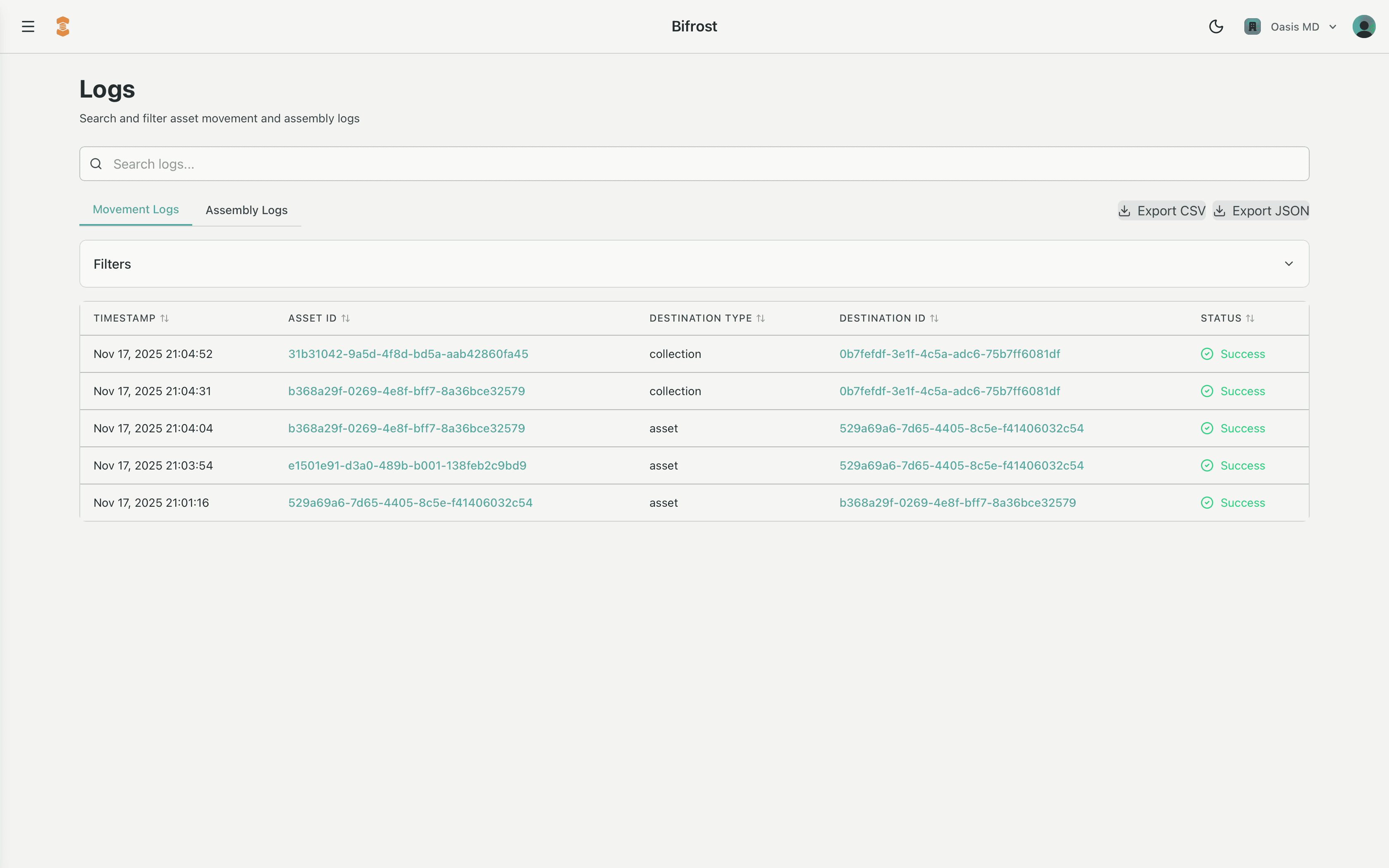
All logs are surfaced through the Bifrost admin tool, where you can search, filter, and drill into individual assemblies and events. In the docs, this section is typically accompanied by a screenshot of the Bifrost Logs view to ground the concepts in the actual UI.
What Logs Capture
The platform logs two major categories of activity:
1. Assembly Decisions
Every time an agent is assembled for a role in a given space, the system logs:
- The role and collection that triggered assembly
- The binding rules that were evaluated and applied
- Which MCPs, Agents, Characters, and parameters were included or filtered out
- The resulting mim_assembly and mim_graph (the condensed description of the traversed tree)
- The digital signature that proves the assembly has not been tampered with
Practically, this means you can answer questions like:
- “Why did this agent have access to these tools at this time?”
- “What bindings caused this particular sensor, project, or patient record to be included?”
The log reconstructs the full assembly tree flow from leaf to root, so you can see exactly how context, policy, and structure combined into the final agent behavior.
2. Asset Movements & Relationship Changes
The system also logs changes in the graph itself, including calls to:
attach- binding an asset into a collection or relationshipdetach- removing that relationshipmodify- modifying an existing relationshipmove- changing an asset's location or zone
These events explain how an asset (equipment, station, patient, client, etc.) came to be associated with a particular collection, which in turn affects which tools and data flow into the agent assembly.
How to Use Logs Day-to-Day
In practice, teams use Logs in Bifrost to:
- Investigate incidents – Trace a surprising tool call or data access back through the assembly that enabled it.
- Validate configuration – After updating roles, bindings, or masks, verify that new assemblies look the way you expect.
- Support audits – Provide a complete, signed trail of how contextual access was derived, without reconstructing it manually.
- Improve agents – Identify patterns where context is missing (or too broad), and tune bindings or parameters accordingly.
Bifrost Log Overview Tables